

Screens refer to the digital displays where your content will be shown, such as TVs, computer monitors, or other electronic displays.
To add a new screen, simply click 'New Screen' and then select among the options and follow the on-screen instructions. Connected screens will appear on your screens page, where you can manage them.

Upon signing up, you get a one screen. Additional screens can then be purchased as needed.
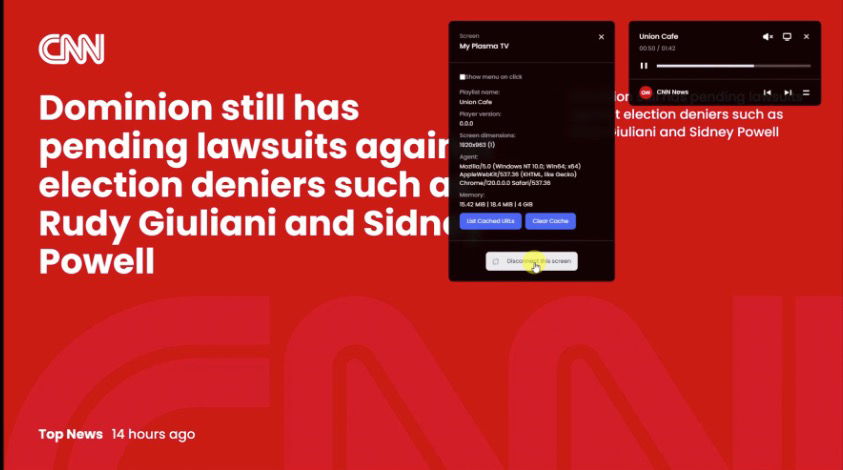
How to Disconnect a Screen?
There are two ways to disconnect: You can either directly disconnect a screen from your TV or monitor, OR remove it from your DisplayHub account by visiting https://app.displayhub.eu/screens/ and deleting the desired screen.
And that's basically it! If you have any further questions or run into any issues, please reach out to us at support@displayhub.eu. We're here to help!