

How to Use Your TV Browser with DisplayHub
Here's how you can get DisplayHub up and running on your TV:
Step 1. Open Your TV's Web Browser
Step 2. In the address bar, type in: player.displayhub.eu and press "Enter" on your remote.
Step 3. Once the page loads, a unique activation code will be displayed on your TV screen.
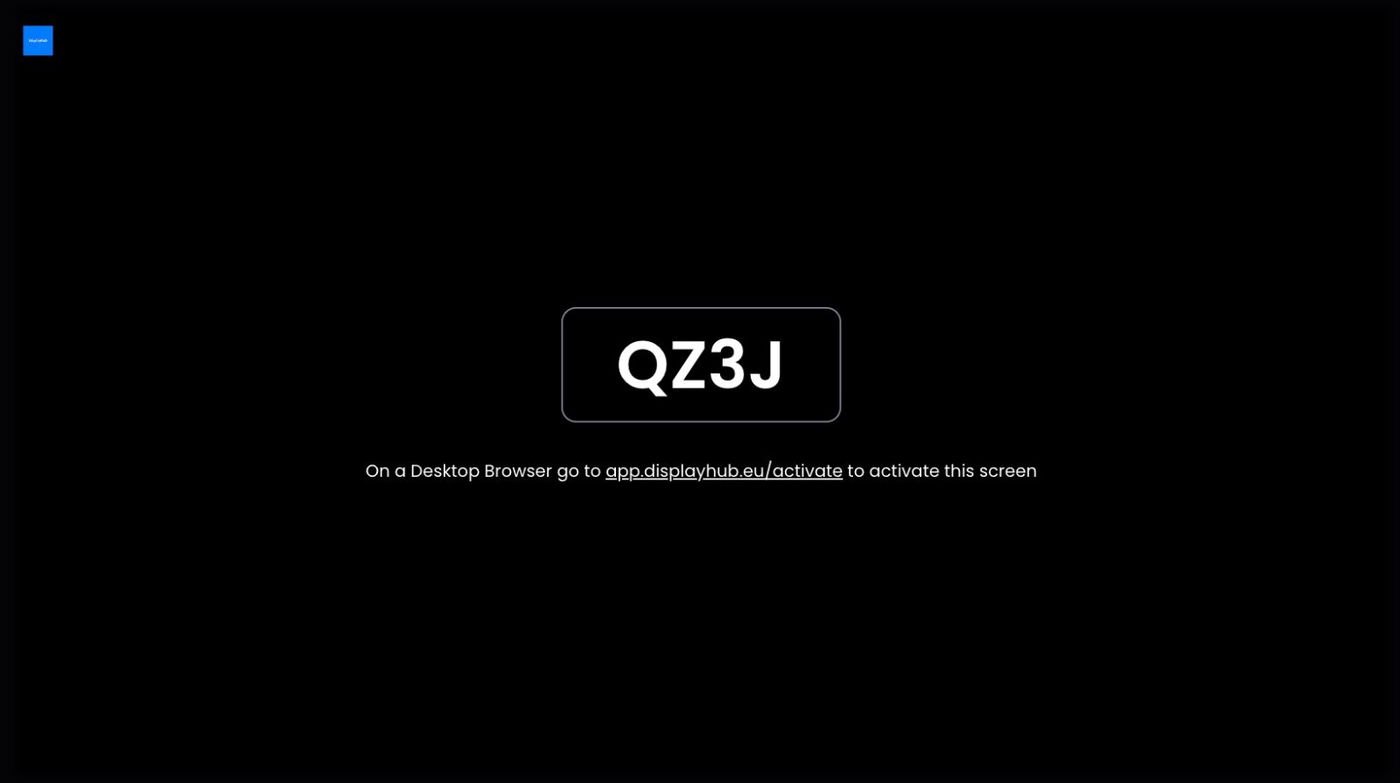
Step 4. On a separate device (like your laptop, tablet or computer), log in to your DisplayHub account and go to your Screens page.
Step 5. In your DisplayHub account, add a new screen and Enter the activation code displayed on your TV and follow any additional on-screen instructions.


You're All Set! Once the code is confirmed, click save and your content will start playing on your TV.